Freestanding signage
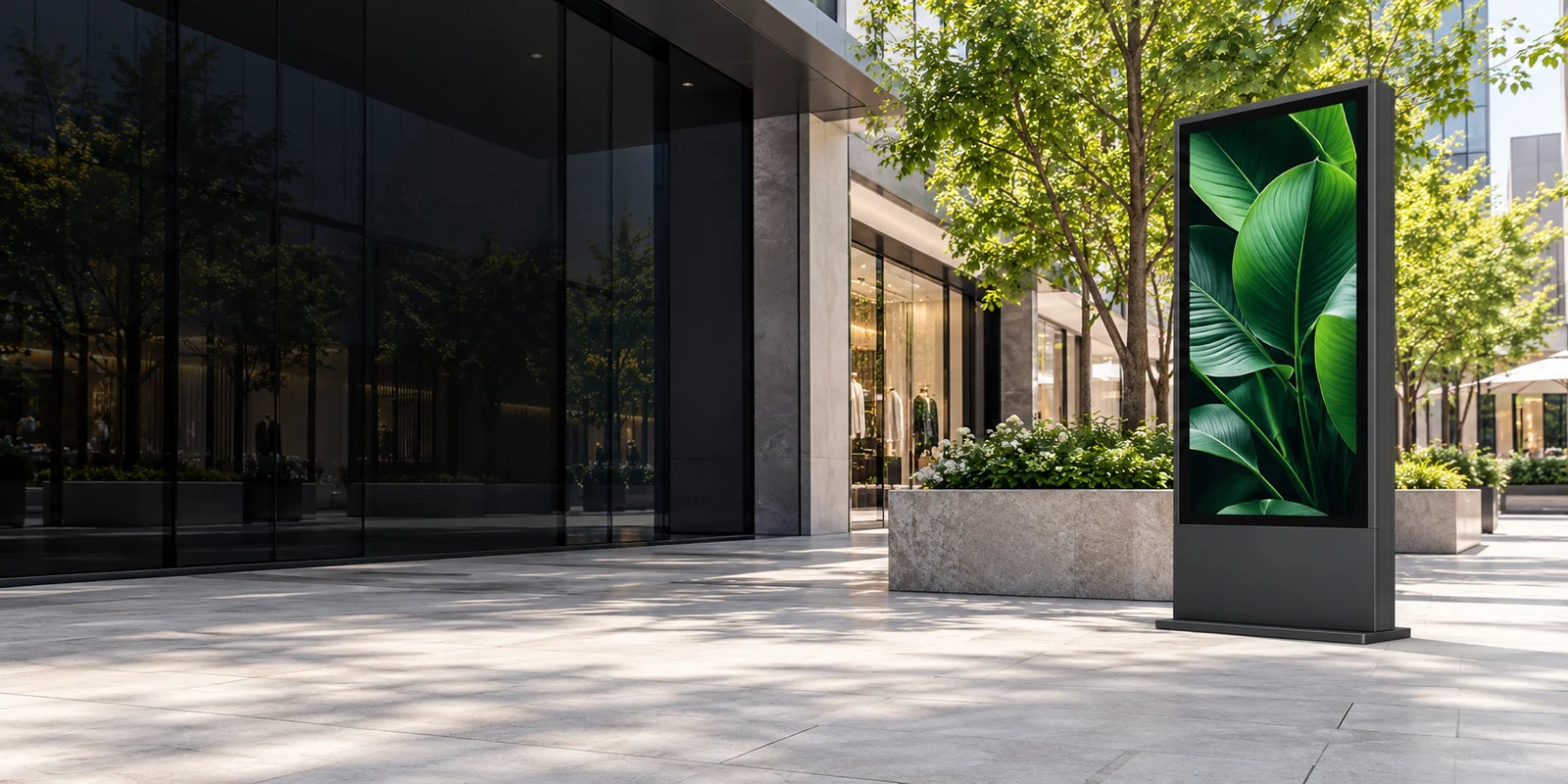
A freestanding format for plazas, shopping streets and campus entrances.


Explore freestanding, wall-mounted and transit display formats for outdoor spaces.
Explore display formats
Concept visualization — not a completed project
Different environments call for different display formats. Explore options for outdoor spaces and find the right fit for your project.
Concept formats — models and specifications to be confirmed.
A freestanding format for plazas, shopping streets and campus entrances.
Use a facade or existing structure to create a compact information point.
Plan displays for stops, travel updates and public service information.
Applications
From retail districts to transit stops and campuses, explore how outdoor LCD displays fit different environments.
Concept visualization — not a completed project
Explore a display format for this setting.
Compare installation formatsJMAILCD focuses on outdoor LCD display products.
Explore freestanding, wall-mounted and transit display formats, with planning resources to help define your installation setting and project requirements.
Before choosing a model
Use the setting to narrow your options. Then confirm the model, installation requirements and specification sheet for your project.
On smaller screens, scroll the table sideways to compare formats.
| Display format | Consider for | Confirm before selecting |
|---|---|---|
| Freestanding signage | Plazas, shopping streets and campus entrances. | Available ground space, foundation conditions, power route and maintenance access. |
| Wall-mounted displays | Facades and existing structures with an appropriate mounting position. | Mounting surface and support, cable routing, viewing height and service access. |
| Transit information displays | Transit stops and public information points. | Site permissions, content source, update process and available connectivity. |
For every format, confirm viewing distance, sunlight, climate and the model-specific documentation. These are planning questions, not product specifications.
Bring the setting, display format and project requirements into one clear brief.
Consider the location, environment and audience for your outdoor display.
Explore freestanding, wall-mounted or transit display options for your needs.
Outline your requirements and the questions to resolve before selecting a model.
Bring your ideas together and take the next step towards your project.
The images illustrate display formats and possible settings. They are concept visualizations, not actual product photographs or completed projects. Models and specifications require confirmation.
This site introduces display formats and helps prepare project briefs. Online ordering is not available. Pricing, availability, lead times and service scope require confirmation.
No. The brief is generated locally in your browser as a text file. Form entries are not sent to a server or saved in browser storage.
Sales contact details are being prepared.
You can prepare a project brief for your team. The tool downloads a local file; it does not send an inquiry.